
Treasure Haunt
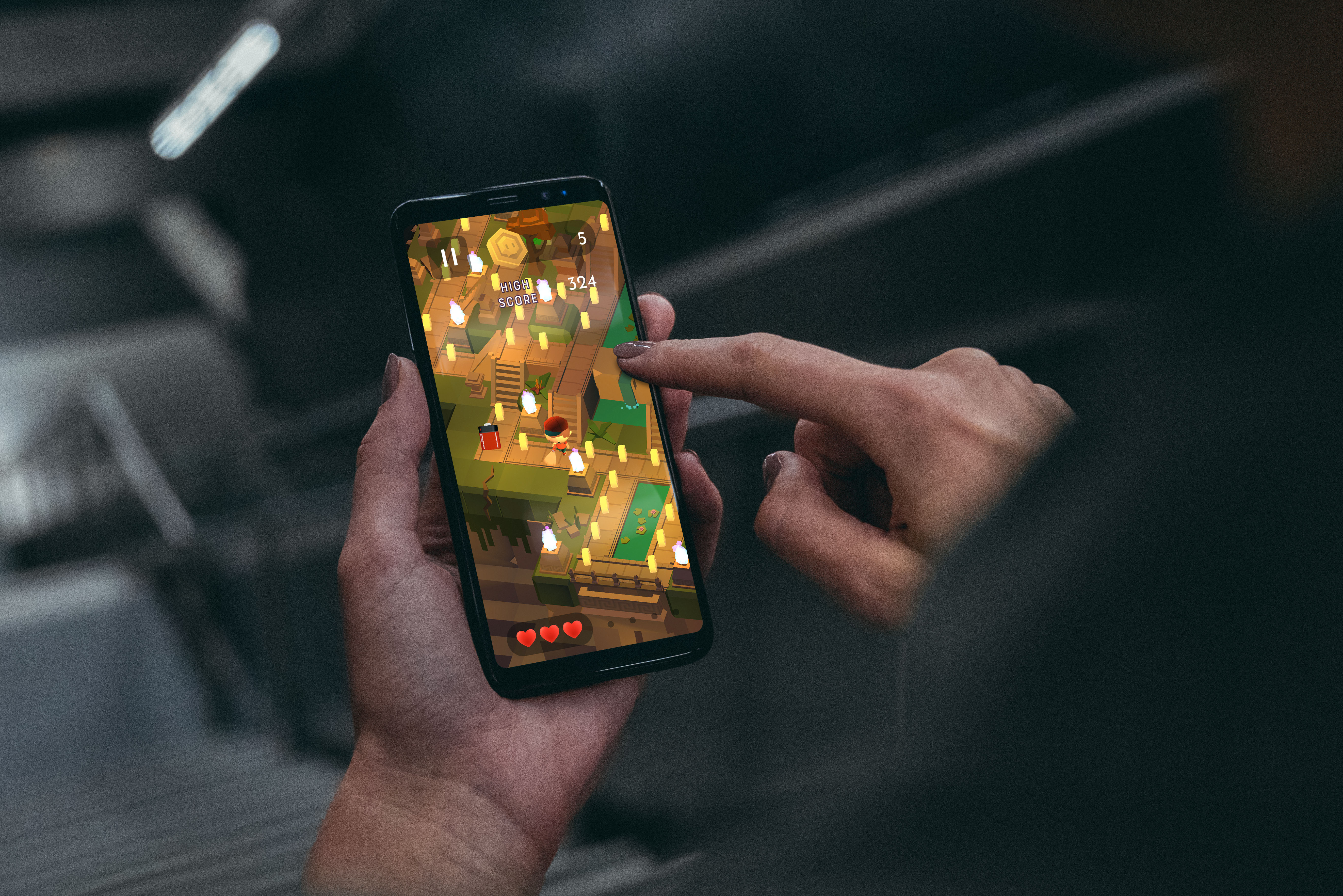
Swipe as many treasures as you can in this arcade runner for iOS and Android
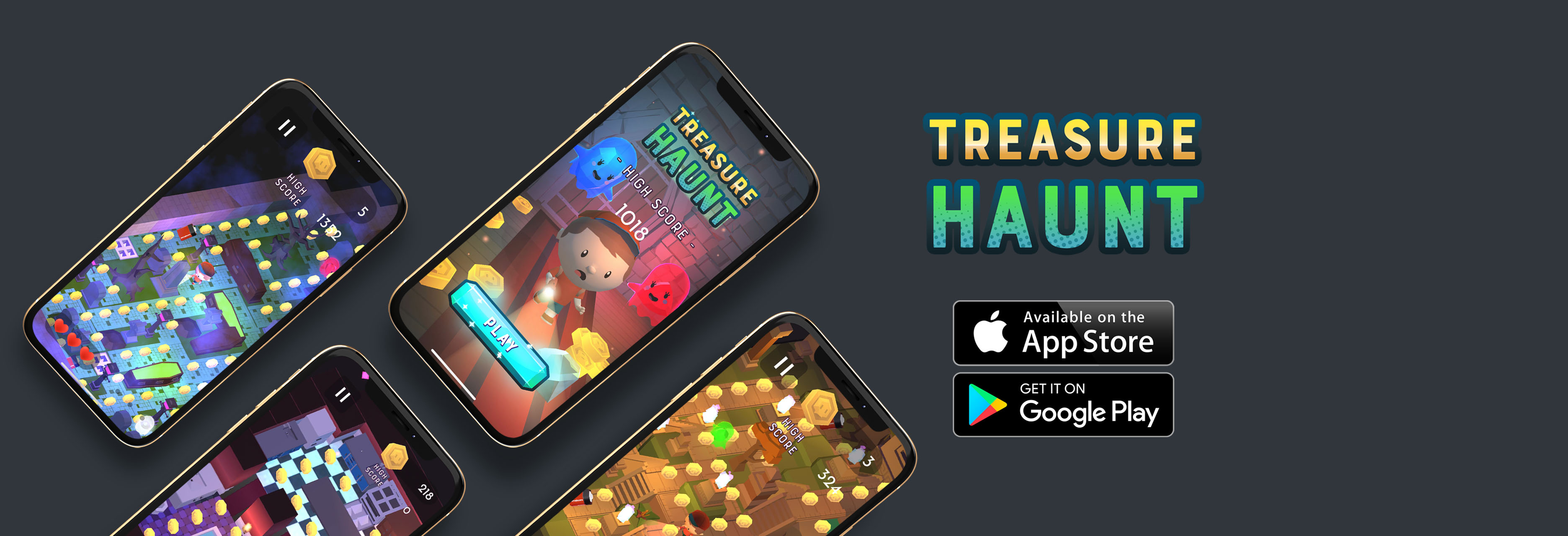
Swipe as many treasures as you can in this arcade runner for iOS and Android
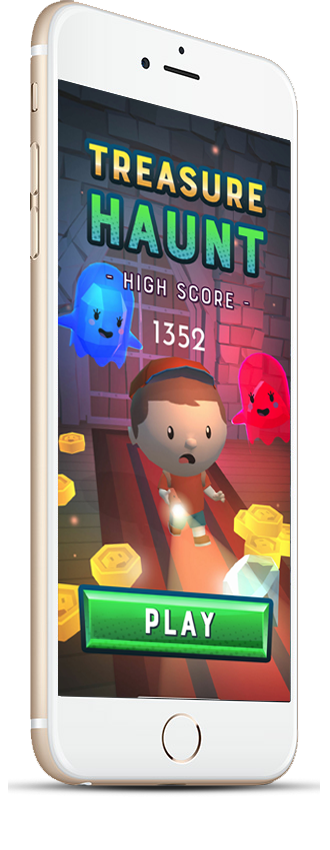
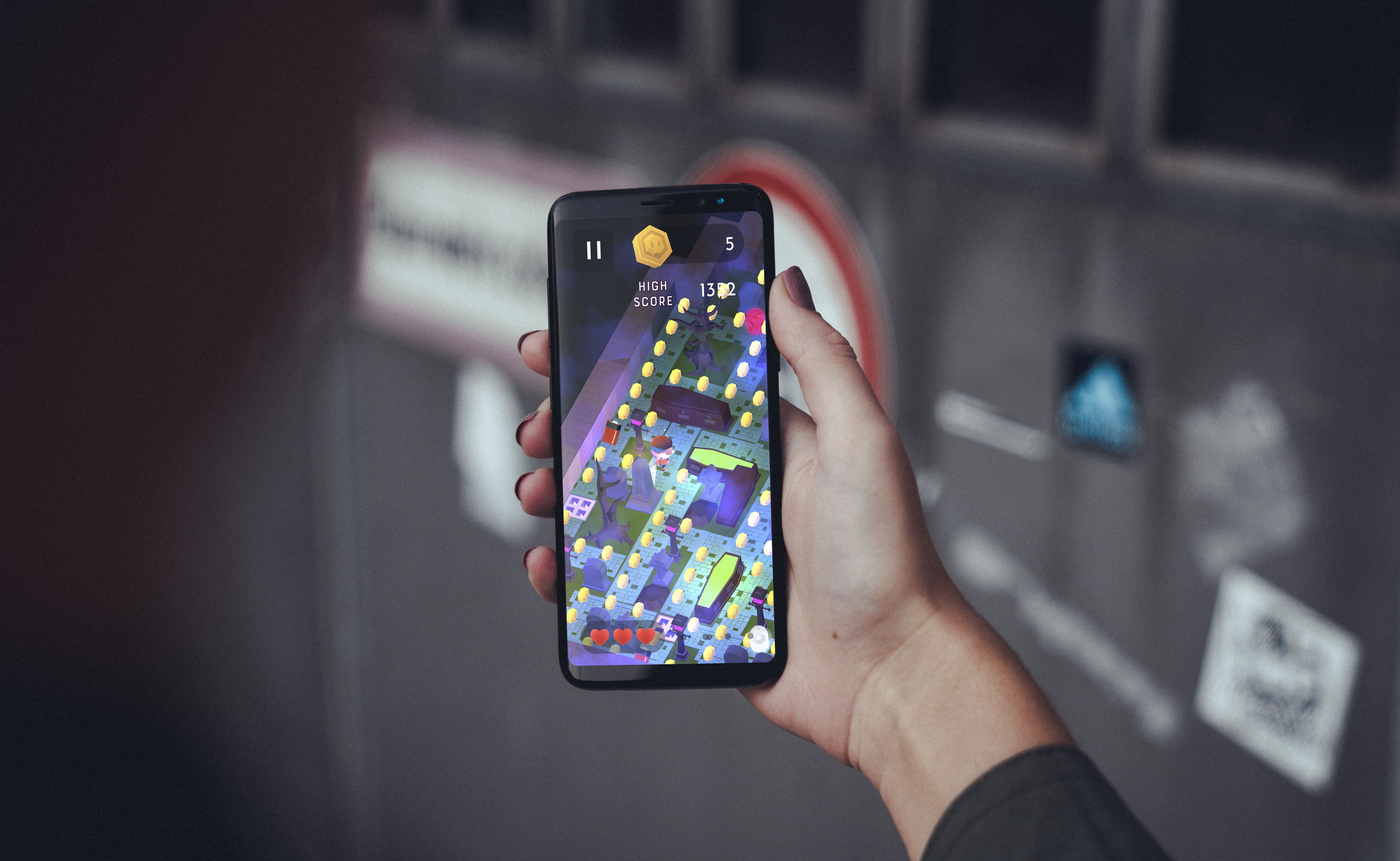
Treasure Haunt is a 3D arcade runner for iOS and Android developed in Unity.

App Store

Play Store
How might we revive an arcade classic and add a new dimension of gameplay?
Treasure Haunt was created, designed, and developed by me from scratch in Unity. The game was coded in C# and characters were modeled and animated using Maya.

Creation of gameplay concept, art, and format.

Development of character controllers and game prototype in Unity.

Animation and character modeling in Maya.

Unit testing and beta deployment on Test Flight.
Here are some of the programs I used on Treasure Haunt. The game was developed in Unity from scratch. Photoshop was used for textures and Maya was used for modeling and animation.





Here are the steps I followed to take Treasure Haunt from initial concept to shipped title on iOS and Android
First I brainstormed the initial gameplay and created concept art.
Next I developed a prototype character controller and level structure. A few iterations of the character controller were tested before deciding on the final implementation.
After the game was working with character controller capsules and placeholders, I modeled, textured, and animated the characters and UI.
Once the art and assets were implemented and coded, I began Test Flight distribution amongst friends and colleagues. Some minor issues were fixed and enhancements were made before the official release.
The concept of Treasure Haunt came to me while playing Crossy Road- the massively successful endless arcade game developed by Hipster Whale.
Crossy Road is essentially a 3d remake of Frogger, and is one of the most highly downloaded games on the app store. After playing I thought,
"what other classic arcade games could be re-made in 3d?" Pacman was one of the more popular games that I really enjoyed playing as a kid. And the
directional movement mechanics of Pacman lended itself easily to compatibility with the "swipe" feature of smartphones.
One issue I faced was that I did not want to make a complete copy of Pacman. I decided to add a twist to the original game by adding a jumping mechanic when the user taps the screen.
I also wanted to add a sort of "story" to my game, as the idea of being a large yellow pill-gobbling head did not really lend itself to be "kid-friendly". I brainstormed potential replacements for the "pill" objects- candy, orbs, etc. and eventually decided that the idea of collecting treasure in a haunted house could be fun.
Once I had the main idea of the game down, I set out to developing the character controller and game mechanics. I started with the built in rigidbodies and gravity provided by Unity, but the built in physics engine was creating some wonky results. Ultimately I settled on building the controller from scratch. I used an IEnumerator for the swipe directions which would be input by the user. Then I programmed the controller to take the input and evaluate it at every intersection. Each time the character moved, it would raycast 2 units in each direction and evalutate if the character could turn or not. If he could, the character controller would rotate to desired direction, and the character would move at an even rate towards the new point until the distance from the point was 0 (or near 0). Finally I had to create the AI. For the basic movement, I reused the same character script, but changed the inputs to calculate based on rules. Each of the enemy AIs were based on ghosts from the original Pacman. The final results were surprisingly effective and easily programmable. Finally I added the jumping mechanic. The jumping was similar to other games where I used a boolean for requesting the jump, a collider for detecting ground, and some basic math to calculate the jump height and falling rates.
After the prototype of the game was coded, I began work on the 3d models and animation. Because of my background in animation and Maya, this step was pretty easy. The main character was modeled, UV'd, and textured in a matter of hours. Once the character was ready, I began the animation and a little bit of cleanup on the rig. The animations were then imported into Unity where I coded the interactions using Unity's Animation State Machine. Once the game was complete, I also used Cinemachine to create a small animated promo.
After animation and coding were completed, I deployed the alpha release to TestFlight. I invited some friends and family to test the app and gathered feedback. Pretty much everything was stable. The only issues I faced were some UI display issues on different sized phones. The fix was quickly patched and I released the game in June of 2019. A few UI upgrades and new levels were added to version 1.2 was released on October 31, 2019.