
Employmenty
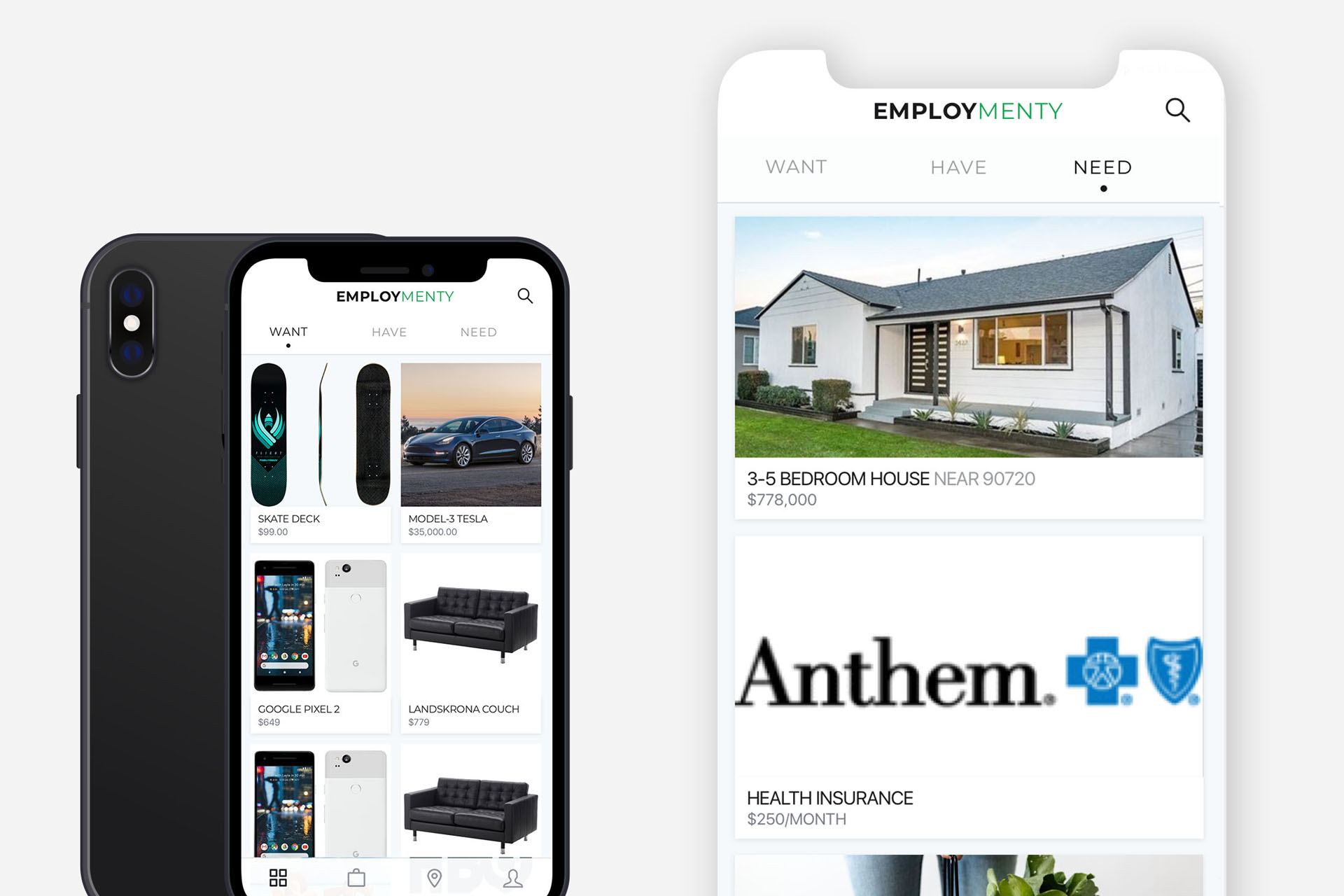
Incentivizing and gamifying career and life planning
Incentivizing and gamifying career and life planning
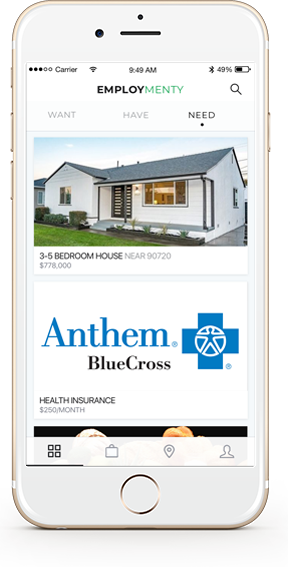
Employmenty is a career and life planning app that aims to incentivize career planning and budgeting. The concept of the app is credited to my friend and colleague, Mike Lowe.
How might we incentivize and gamify job searching, life planning, and budgeting?
Here are some of the programs I used on Employmenty. Sketch was used for branding and UI. Photoshop was used for promotional mockups, and Word was used for documentation.


Here is some information about the design process used on Employmenty
The Employmenty app concept was discussed with Mike Lowe (creator of Employmenty) and we brainstormed user-flows.
A logo and brand name were created for the app after many different iterations.
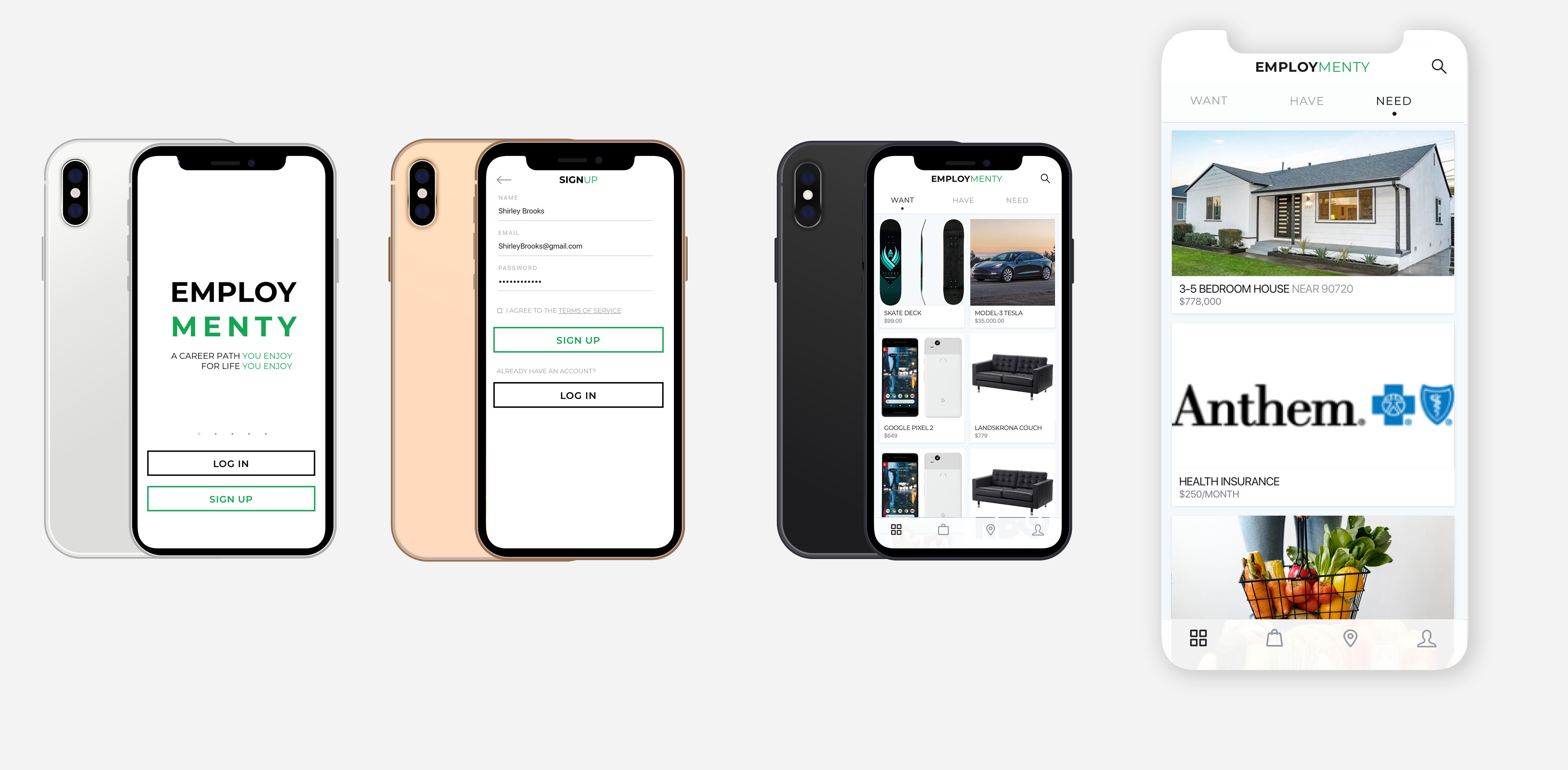
Some UI samples were created and shared for feedback along with documentation.
Employmenty started as a discussion with a friend who wanted to incentivize career and life-planning. Mike Lowe (creator of Employmenty) had a vision to create an app that would help young adults and teens plan their careers. The idea came from his experience in the Big Brother program: a community-based mentoring program for youths, typically from low-income, single parent households.
The idea behind Employmenty was to create a sort of "vision board" app, where youths could put together the life they wanted on paper. The app would then calculate how much the car, rent/mortgage, and clothing on the user's vision board would cost, and try to point them towards careers that would provide their desired salary.
After the initial brainstorm, I set out to create a logo, typography, and brand rules. The original app was untitled, so after some debate, I settled on "Employmenty", which combined the idea of employment, guidance, and had a catchy ring to it. It was also one of the few names that had an available domain at the time. I experimented with several different logos and fonts until I settled on the currently style.
Once the user flows, documentation, and branding were in place, I set out to create the UI designs. I decided on a light color scheme with a mint green. I also decided to add a sort of 'onboarding' process in which we could gather data on the user to match them with their desired jobs and salary range.